
Intelligent visibility for gliders
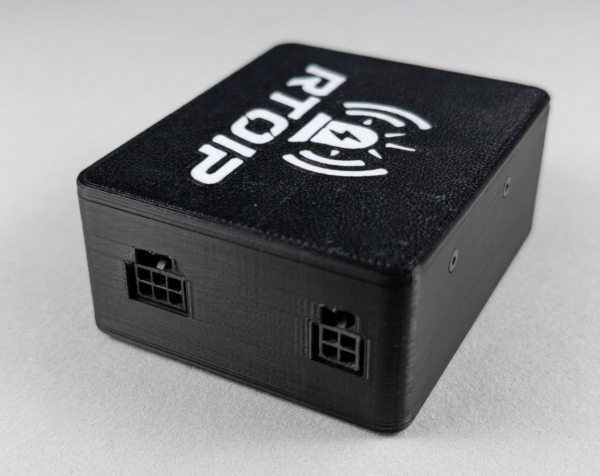
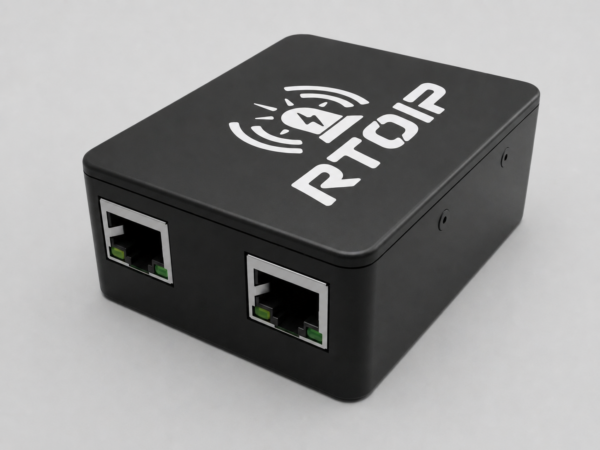
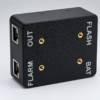
The Glider Canopy Flasher is a high-intensity red visibility system designed to help make a glider more conspicuous to other airspace users.
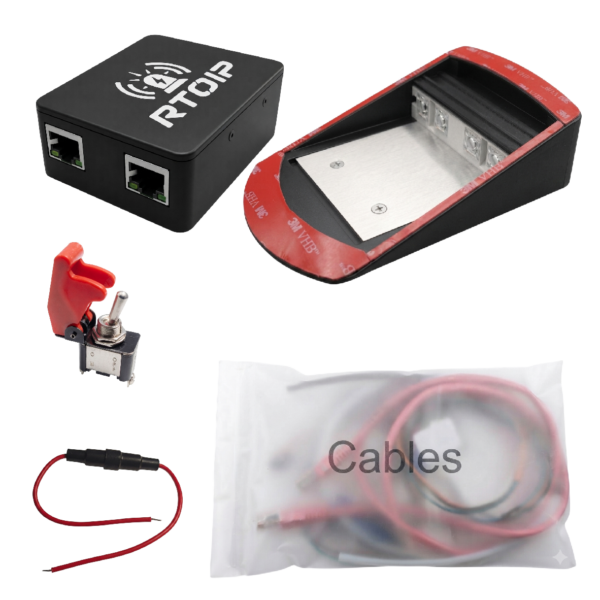
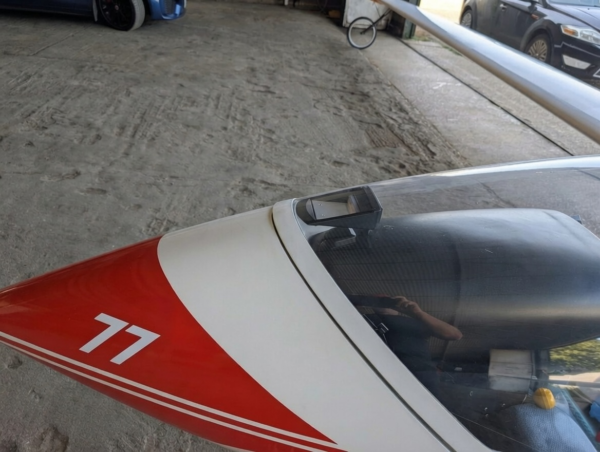
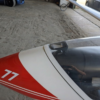
The light unit is installed inside the front section of the canopy, where its powerful flash can be seen from a long distance while the system remains protected within the cockpit.
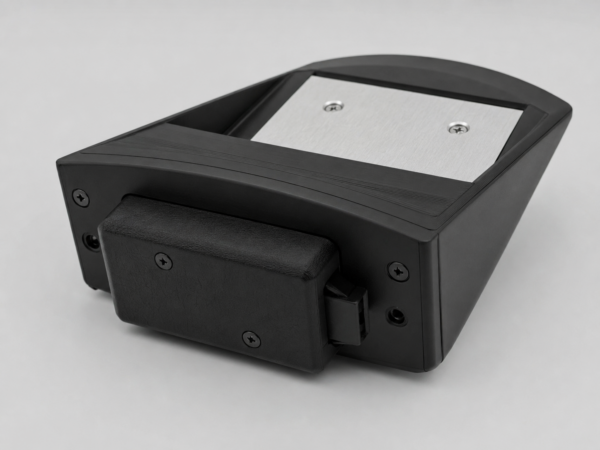
Unlike basic flashing lights, the Glider Canopy Flasher combines configurable flash patterns, FLARM alarm integration, wireless configuration and FLARM data forwarding in one compact system.
Key features
- Very bright red output designed for long-range visibility in daylight conditions.
- 26 selectable flash patterns, comprising 22 predefined patterns and four user-programmable patterns.
- Independent pattern selection for Normal operation and FLARM alarm levels 1, 2 and 3.
- Automatic FLARM alarm response without requiring pilot intervention.
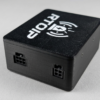
- Wi-Fi configuration without DIP switches, USB cables or physical access to the control box.
- FLARM data forwarding through Bluetooth Classic, Bluetooth Low Energy and UDP.
- Two independent LED driver channels providing additional operational redundancy.
- Configurable speed control to prevent unnecessary operation while the glider is stationary or moving slowly.
- Power-saving patterns for installations where minimising average electrical consumption is important.
- Wireless firmware updates allowing future software improvements to be installed without opening the enclosure.
Canopy curvature options
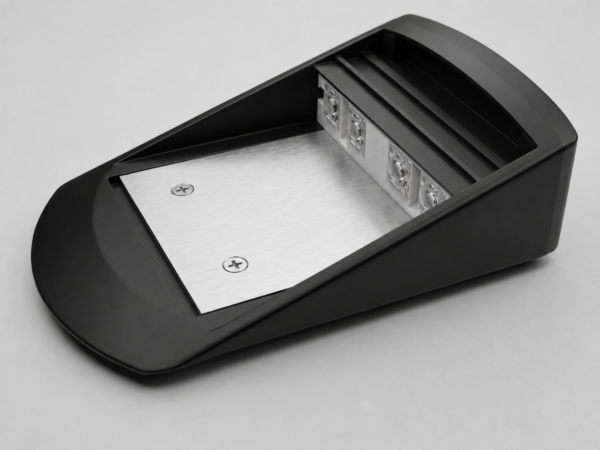
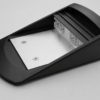
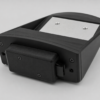
Glider canopies do not all have the same curvature. To provide a better fit, the Glider Canopy Flasher is available with five different mounting profiles.
| Variation | Profile |
|---|---|
| Base | Standard mounting profile |
| Base +1 mm | One millimetre of additional curvature relative to the Base profile |
| Base +2 mm | Two millimetres of additional curvature relative to the Base profile |
| Base +3 mm | Three millimetres of additional curvature relative to the Base profile |
| Base +4 mm | Four millimetres of additional curvature relative to the Base profile |
The selected profile should follow the canopy surface as closely as possible without rocking, creating concentrated pressure points or requiring the enclosure to be forced against the canopy.
Please follow the canopy curvature selection guide before ordering. If you are uncertain which profile is suitable, contact us before placing the order.
Flash-pattern configuration
A separate flash pattern can be assigned to each operating condition:
- Normal — used when no FLARM collision alarm is active;
- Alarm Level 1 — activated when FLARM reports a Level 1 alarm;
- Alarm Level 2 — activated when FLARM reports a Level 2 alarm;
- Alarm Level 3 — activated when FLARM reports a Level 3 alarm.
Any available pattern can be assigned to any operating level. A temporary test function allows the selected pattern to be checked during configuration before the system automatically returns to normal operation.
Configuration without opening the enclosure
The Glider Canopy Flasher creates a temporary local Wi-Fi network. A phone, tablet or computer can connect directly to this network and open the configuration interface in a web browser.
Settings, pattern selection, system testing and firmware updates can therefore be completed without removing covers, connecting a USB cable or changing physical switches.
See the Glider Canopy Flasher Wi-Fi Connection and Configuration Guide for detailed instructions.
FLARM connectivity
When connected to a compatible FLARM output, the Glider Canopy Flasher monitors FLARM alarm information and automatically selects the configured alarm pattern.
The received FLARM data stream can also be forwarded to compatible navigation equipment and applications through Bluetooth Classic, Bluetooth Low Energy or UDP over Wi-Fi.
Installation and compatibility
The installation must be suitable for the particular aircraft, canopy construction and connected equipment.
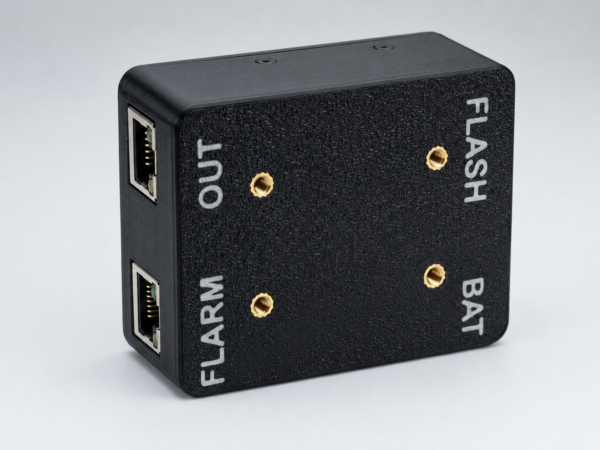
Before connecting the Glider Canopy Flasher, verify the connector pinout, signal levels, supply voltage and compatibility of the FLARM or other equipment being connected. An incorrect connection may damage the Glider Canopy Flasher or the connected device.
If you are not certain that the installation or electrical connection is correct, ask a suitably qualified person to inspect and approve it before power is applied.
Read the installation and legal guidance before purchasing or installing the product.
Reviews
There are no reviews yet.